Notes and snippets
Move addresses, temporary notes, one-time codes, commands, and code snippets between devices.
Phone-to-computer clipboard
Move an address, note, link, code snippet, or other text between your phone and computer with a shared ClipSync room in your browser.
No sign-up. Works instantly.
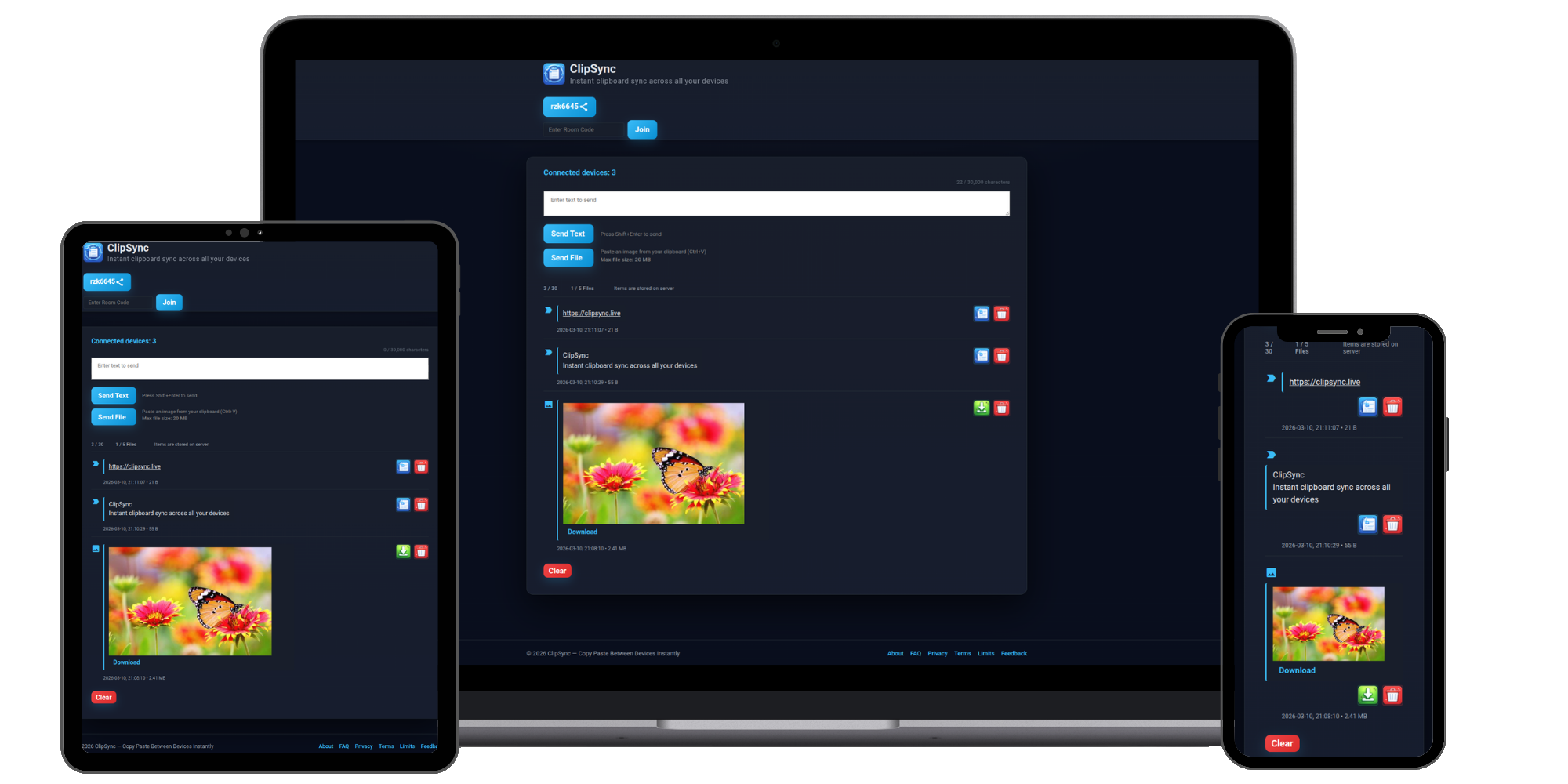
Three simple steps
Open one temporary room, connect both devices, and add the text you want to move.
Step 1
Open ClipSync on your phone or computer. A Free room is created in the browser without an account or installation.
Step 2
Open the same room on the other device using its room code, shared link, or QR code.
Step 3
Paste or type text, add it to the room, and copy it whenever you need it.
More than a clipboard shortcut
ClipSync is useful when a message, link, or small piece of text needs to move between screens quickly.
Move addresses, temporary notes, one-time codes, commands, and code snippets between devices.
Send a URL from your phone to a desktop browser, or move a link from your computer to your phone.
The same room works from phone to computer and from computer back to phone.
Need to move a photo, PDF, or other file? Use the online file-transfer page.
Use a modern browser on each device. The room workflow stays the same even when your phone and computer use different operating systems.
To copy text from your computer to your phone, add it from the computer and open the same room on your phone.
Common questions
A few quick answers before you open a shared room.
Yes. Open the same ClipSync room on both devices, add the text from your phone, and use the room item on your computer.
No. ClipSync does not monitor your device clipboard. You paste or add content to the room manually when you want to share it.
Yes. A ClipSync room works in both directions. Add text on your computer and open the same room on your phone.
No account or installation is required for a Free room. Open ClipSync in a modern browser on each device.
Yes. ClipSync can move links, notes, addresses, and code snippets between connected phones, computers, and tablets.
Ready when you are
Open a free room and connect your phone with your computer.