No account required
Open a Free room and start sharing without creating an account or installing an app.
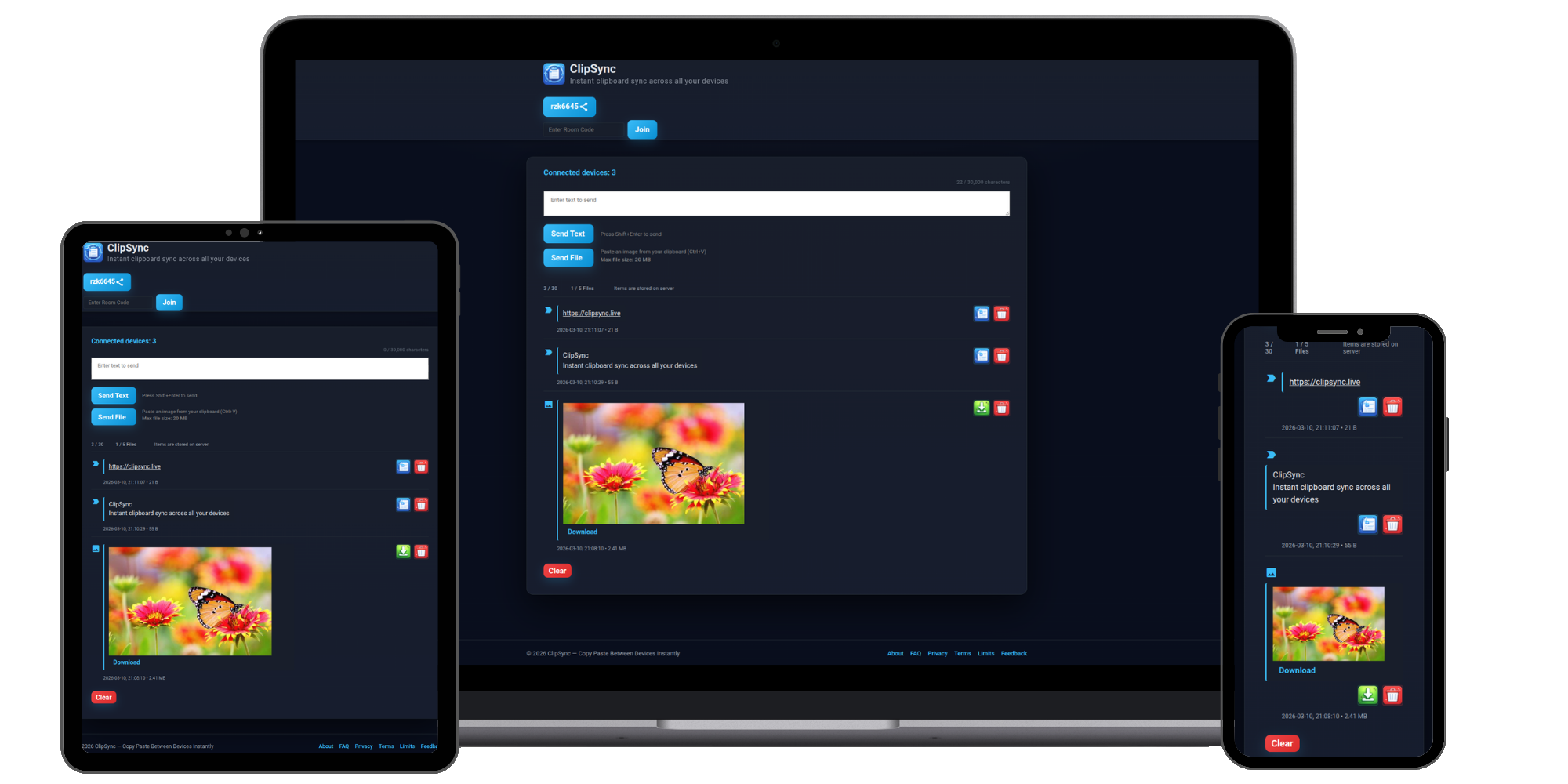
ClipSync is a free, browser-based online clipboard for sharing text, links, images, and files between your phone, computer, and tablet. No app or account is required for Free rooms, and it works across all major platforms.
No sign-up. Works instantly.
Three simple steps
Create a temporary ClipSync room, open it on your other devices, and start sharing text, links, images, and files in seconds.
Step 1
Visit ClipSync on your phone, computer, or tablet. A temporary room is created instantly — no account or installation required.
Step 2
Open the same room on another device using the room code, shared link, or QR code.
Step 3
Paste text or links, or add images and files. New items appear instantly on every connected device.
Know what happens to your data
ClipSync is designed for quick, intentional sharing.
Open a Free room and start sharing without creating an account or installing an app.
Items in Free rooms are automatically cleaned up after 24 hours.
Pro provides a dedicated room and persistent storage while your subscription is active.
Real-time sharing between connected devices.
Works in modern browsers on Windows, macOS, Linux, Android, iOS, and iPadOS.
Create Free temporary rooms without signing up.
Free room items are automatically deleted after 24 hours.
Share files up to 25 MB per file.
Free rooms support up to 30 items and 5 files. See all limits.
Copy text on your phone and instantly access it on your computer.
Send URLs between your phone, laptop, desktop, or tablet without cables or email.
Move files quickly between your devices without emailing attachments to yourself.
Share something temporarily and let ClipSync automatically clean it up after 24 hours.
Use Free for quick transfers and Pro when you need ongoing access.
Free
Share text, links, images, and files instantly with no sign-up. Free room items automatically expire after 24 hours.
Pro
Keep a dedicated room and store up to 500 items in 10 GB of persistent storage while your subscription is active.
Use ClipSync to move text, links, images, and files between almost any device with a modern browser.
No installation is required — just open the same ClipSync room in each browser.
Common questions
A few quick answers before you open your first room.
No. Free rooms work without an account or installation. Pro features require an account for persistent storage and ongoing access.
You can share text, links, images, and files between phones, computers, and tablets using a modern browser.
Free room items are automatically cleaned up after 24 hours. Use Pro when you need persistent storage.
Open the same room on the other device using the room code, shared link, or QR code.
A room code or shared link can give someone access to that room, so share it only with the people you intend to connect.
ClipSync is a free online clipboard and cross-device sharing tool for quickly moving text, links, images, and files between phones, computers, and tablets. Open the same ClipSync room on Windows, macOS, Linux, Android, iPhone, or iPad and shared items appear instantly on every connected device. There is nothing to install and no account is required for Free rooms. Free rooms are designed for temporary sharing and automatically clean up stored items after 24 hours. ClipSync Pro adds persistent storage, a dedicated room, more capacity, and public file links for people who use ClipSync regularly.
Ready when you are
Open a free room and move text, links, images, or files between your devices.
